

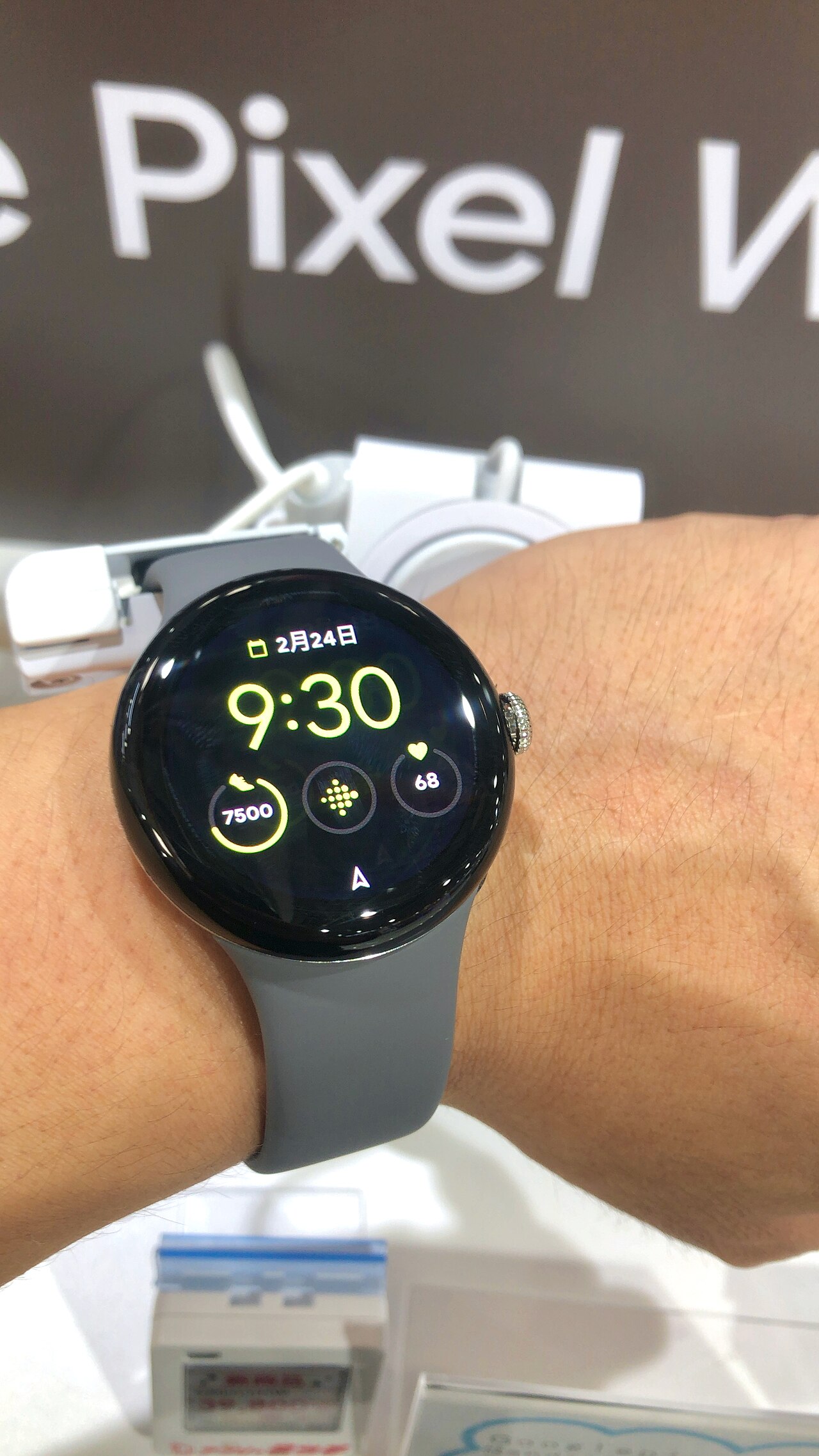
The Pixel Watch battery fix is now available, providing users with a much-needed solution to enhance battery life and efficiency.
How the Pixel Watch battery fix works
The recent update addressing the Pixel Watch battery fix has been met with enthusiasm from users who have experienced performance issues. This fix, available through the Play Store, is designed to enhance battery life and improve overall device functionality.
To understand how the fix works, it is essential to look at the underlying issues that have plagued the Pixel Watch. Users reported rapid battery drain and inconsistent performance during daily activities. The fix targets these problems by optimizing background processes and refining power consumption settings.
The update includes the following key improvements:
- Enhanced Battery Management: The new software adjusts power distribution, allowing the watch to conserve energy during idle periods.
- Improved App Efficiency: Certain applications have been optimized to reduce their impact on battery life when running in the background.
- System Performance Tuning: General performance enhancements have been made to ensure smoother operation, which indirectly contributes to better battery longevity.
By implementing these changes, Google aims to provide a seamless experience for Pixel Watch users and restore confidence in the device’s reliability.
User feedback on the battery fix
Since the release of the Pixel Watch battery fix, users have been quick to share their experiences and feedback regarding the update. Many have reported significant improvements in their watch’s battery life, praising Google for addressing a major concern that had been affecting their daily usage.
Several users noted that the battery fix has led to a noticeable reduction in the frequency of charging, allowing them to wear their watches throughout the day without worrying about running out of power. Some comments highlighted the following:
- Improved Longevity: Users have observed that their devices now last longer, with some stating they can go up to two days on a single charge.
- Smoother Performance: Alongside the battery fix, many have experienced enhanced performance, making the overall user experience more enjoyable.
- Easy Installation: The update process via the Play Store was described as straightforward, making it accessible for users of all tech levels.
However, a few users have mentioned minor issues, such as occasional glitches post-update. Despite these concerns, the overall sentiment remains positive. Users are grateful for the Pixel Watch battery fix and express hope for continued improvements in future updates.
Comparing battery life before and after
The introduction of the Pixel Watch battery fix has led to noticeable improvements in battery performance. Users have reported substantial differences in their daily usage, with many noting longer periods between charges.
Before the fix, the Pixel Watch often struggled to last a full day under normal conditions. Many users would find themselves reaching for the charger by late afternoon. Now, after the update, the situation has changed significantly. Here’s a comparison of battery life:
- Before the fix: Average usage led to a battery drain of approximately 30% to 40% by midday.
- After the fix: Users are now seeing battery levels dropping by only 15% to 25% at the same time.
Furthermore, overnight battery performance has also improved. Previously, many would lose around 10% of battery life while sleeping. Post-fix, that number has decreased to about 3% to 5%.
This Pixel Watch battery fix not only enhances daily usability but also ensures that users can rely on their devices for longer periods without frequent charging interruptions. As the feedback continues to roll in, it is clear that this update is a significant step forward for Pixel Watch owners.
Steps to download the fix from Play Store
To download the Pixel Watch battery fix, follow these simple steps to ensure your device is updated and performing optimally.
- Open the Play Store: Start by unlocking your Pixel Watch and navigating to the Play Store app.
- Search for Updates: In the search bar, type “Pixel Watch” to find the official app associated with your device.
- Check for Updates: Once on the app page, look for an “Update” button. If it appears, tap it to begin the download process.
- Install the Fix: After the update has been downloaded, the installation will begin automatically. Ensure your watch is charged and connected to Wi-Fi for a smooth installation.
- Restart Your Watch: Once installed, restart your Pixel Watch to apply the changes effectively.
- Monitor Battery Performance: After the update, keep an eye on your battery life to see the improvements from the Pixel Watch battery fix.
With these steps, you can easily access the necessary update and enhance your watch’s performance, ensuring that you get the most out of your device. Enjoy an improved battery experience!
Future updates for Pixel Watch users
As users embrace the Pixel Watch battery fix, future updates are crucial for enhancing the overall experience. Google has committed to providing regular updates that not only address battery performance but also improve the watch’s functionality and features.
In the upcoming months, users can expect:
- Improved Battery Management: Enhanced algorithms that optimize battery usage based on user habits and settings.
- New Features: Introduction of additional health and fitness tracking features that leverage the improved battery life.
- User Interface Enhancements: Updates that aim to streamline navigation, making it easier for users to access their favorite apps.
- Bug Fixes: Ongoing refinements to address any remaining issues related to battery performance and overall usability.
Google has also indicated that user feedback will play a vital role in shaping these future updates. By actively engaging with the Pixel Watch community, the company aims to ensure that the device remains responsive to the needs of its users. As such, it is essential for users to keep their devices updated to fully benefit from the anticipated improvements.
via Wikimedia Commons
